01 / On your way in
Start with a
clearer head.
Get the context you need from your connected email and calendar. Talk through what’s coming up, and find your first priority.

A little company. A clearer day.
Meet Donna, your AI voice companion for the space between work and home. A conversation to get ready. A moment to let go.
Try Donna for iPhoneAvailable now in TestFlight beta

“What’s on your mind
for today?”
Room to think. Someone to talk to.
Your calendar, your loose ends, the thought you don’t want to lose. Talk it through with Donna, and carry a little less into what comes next.
Two directions. One familiar voice.
Get the context you need from your connected email and calendar. Talk through what’s coming up, and find your first priority.
Untangle a busy day, notice the good parts, and save what matters. Make a little space before you walk through the door.

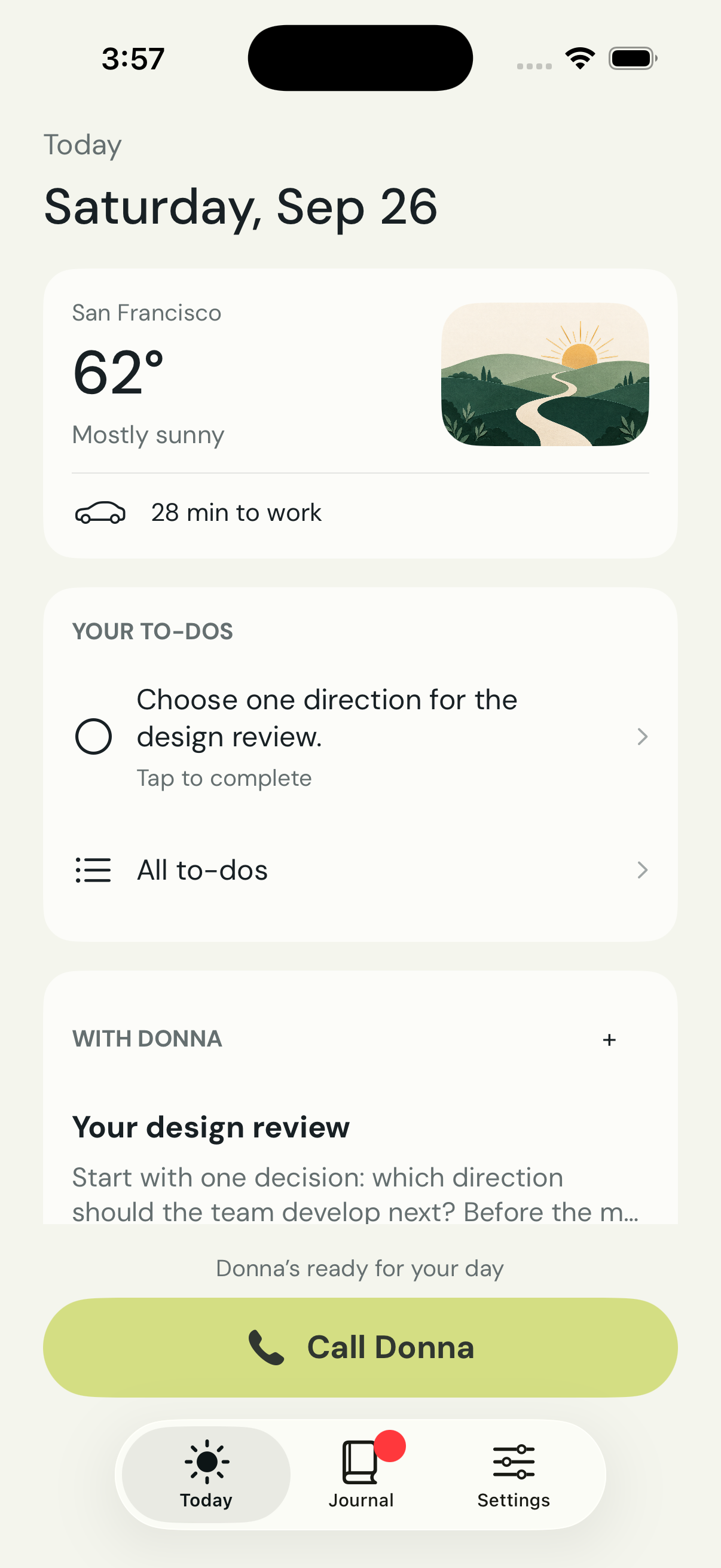 From the Donna beta · Example data
The conversation is just the beginning.
You don’t have to hold it all in your head. Donna gives your conversations somewhere to land.
Ask Donna to save a note or a to-do while you talk. Come back to it when you have a moment.
Ask for research or a Gmail draft. Your prepared work is there to review in the app.
Revisit your reflections in an illustrated journal, with the moments and ideas you want to keep.
Good to know
Donna is an AI voice companion for your iPhone. She helps you prepare for the day, talk things through, and save useful notes, to-dos and reflections. She’s currently in beta, and we’re still refining the experience.
Install Apple’s TestFlight app, then open the Donna beta invitation. The invitation currently shows “Loop: Daily Couple Questions” because we’re reusing our existing App Store record. The app you install is Donna.
You’ll need an iPhone and a phone number for sign-in. Setup includes a short warm-up conversation, microphone access, and connecting Google Calendar and one Gmail account so Donna has useful context.
Yes. Calls from Donna are part of the experience and are enabled after microphone access. You can turn them off in Settings. Incoming calling is still being tested in the beta.
Donna includes a subscription flow. Purchases made through this TestFlight beta use Apple’s sandbox and don’t charge you. The released app’s subscription details will be shown before purchase.
Donna uses your conversations and authorized connected-app information to provide personalized assistance. Relevant content is processed by our AI and service providers. You can manage connections and permissions, and delete Donna data in the app. Read the privacy policy for details.
Send feedback or questions to 292.zhuang@gmail.com. Please leave passwords and sensitive account details out of your message.
Your next commute could feel different.
Opens in TestFlight. The invitation is listed under
“Loop: Daily Couple Questions.” The installed app is Donna.